
Superliner documentation
Learn it once. Keep your hands on the keys.
Every feature, how to use it, and what it does together with the others. Each page has pictures and clips a few seconds long.
Start here


Features
- Write and outline
Everything you do inside the outline, from the first keystroke to tables and code.
- Commands while typing
The characters that open a list at the caret, so your hands stay on the keys.
- Pages and navigation
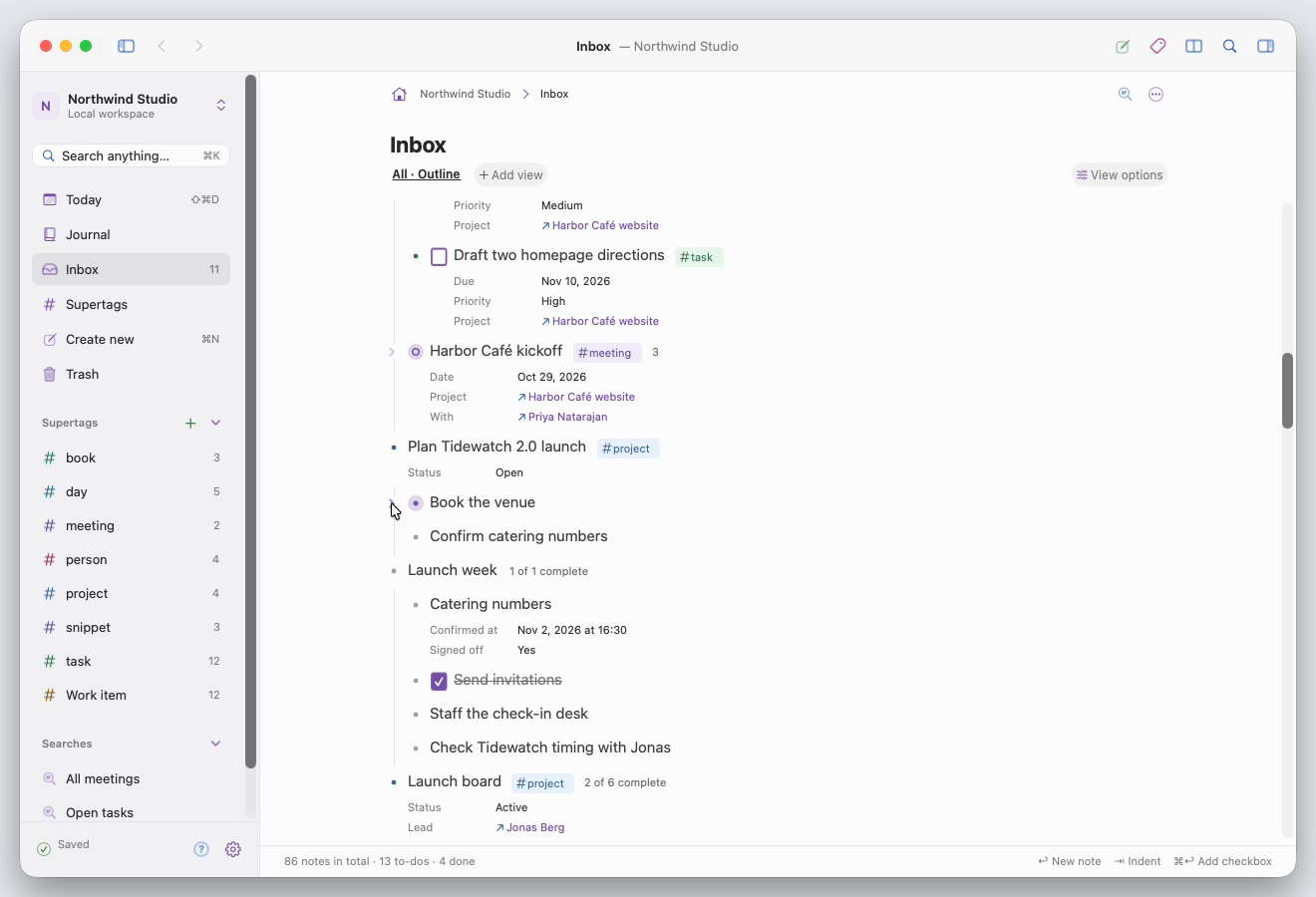
Every note opens as a page. Move through them, side by side, and see what connects.
- Supertags and fields
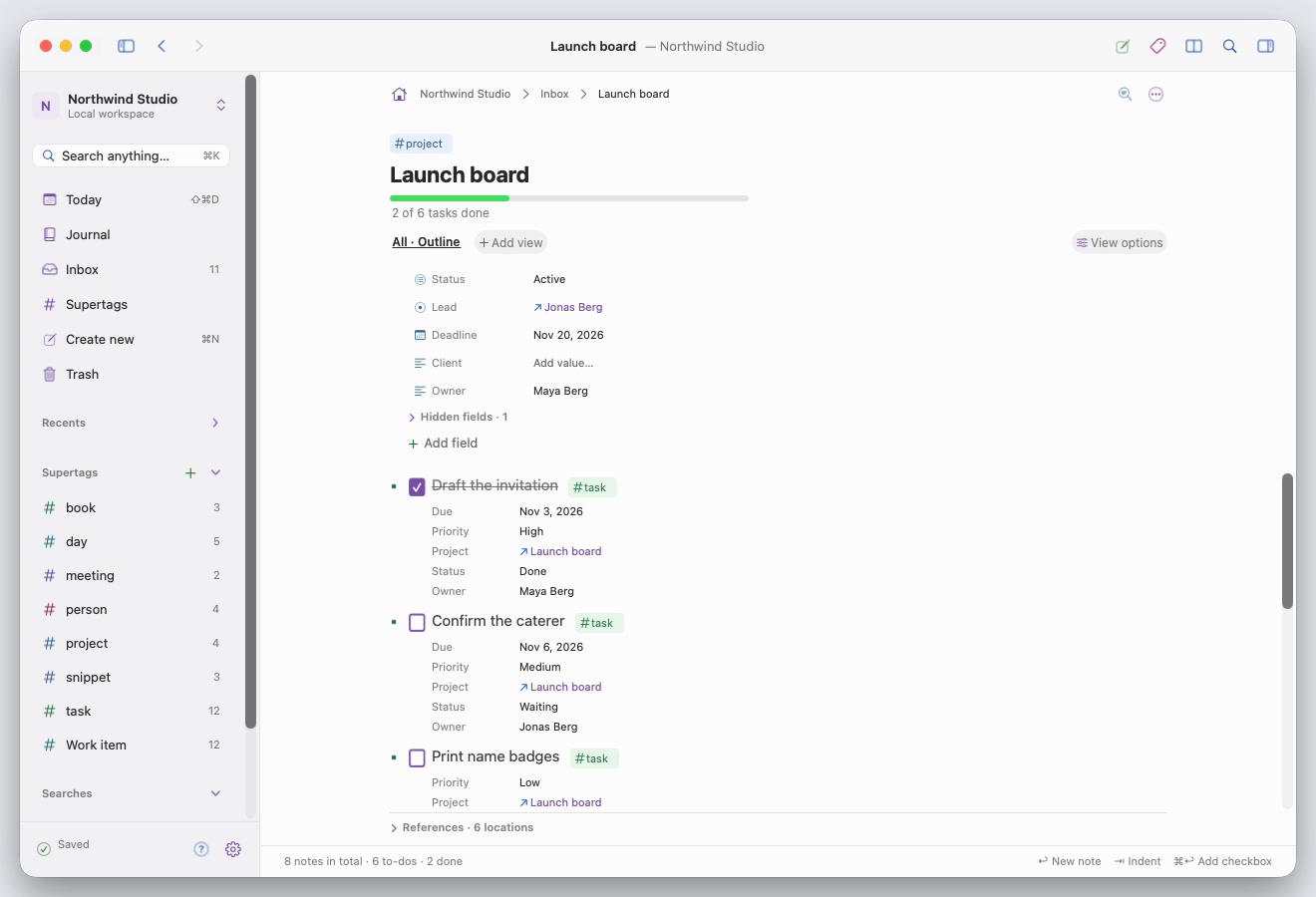
Say what a note is with a supertag, and what it has with fields.
- Views
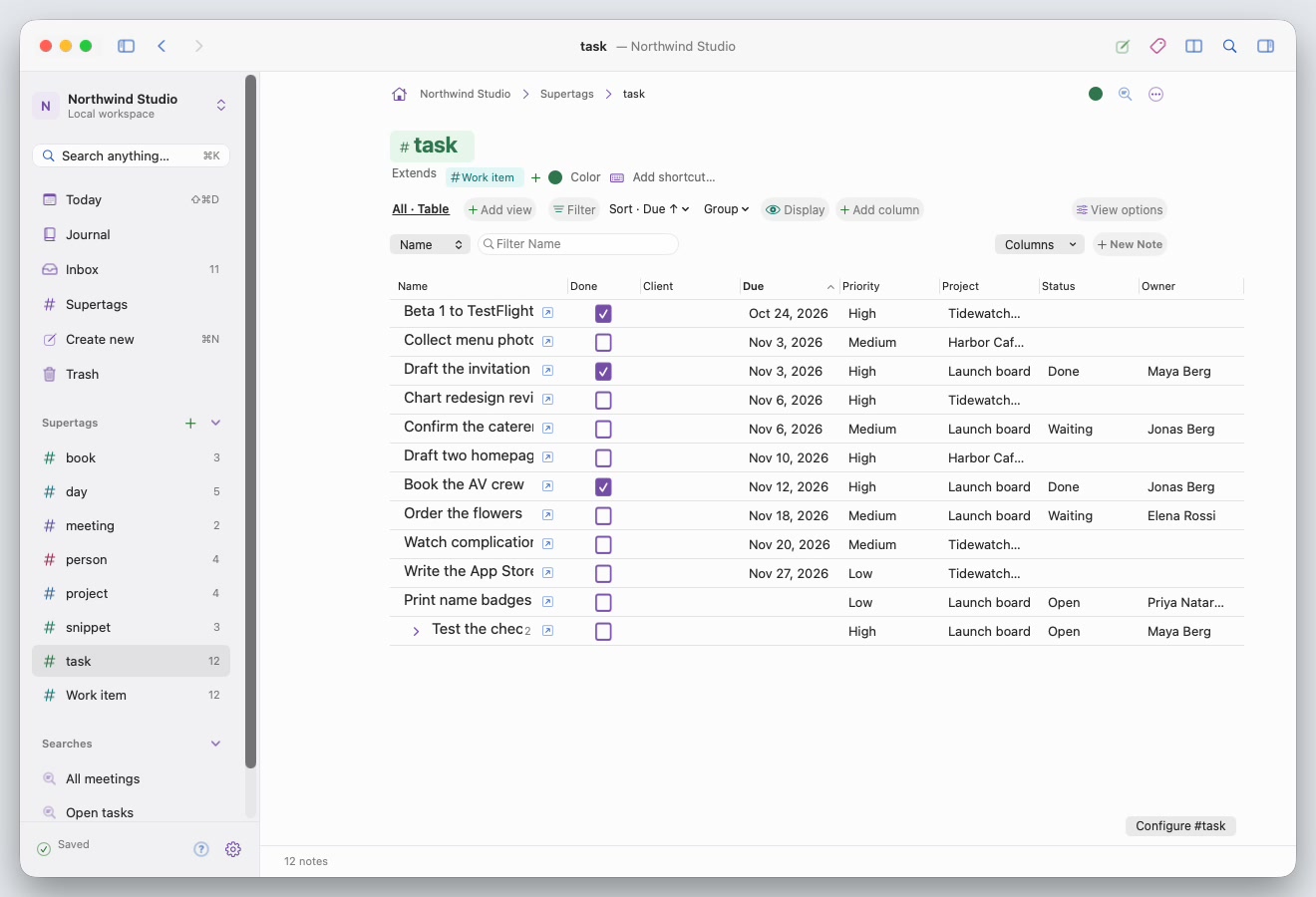
One set of notes, seven ways to look at it.
- Saved searches
Keep a question as a note, and combine conditions on anything a note has.
- Find and capture
Reach any note in a keystroke, and get new ones in without breaking stride.
- Your files
Your notes are files in a folder on your Mac. Here is what is in it and how to protect it.
- Customize
Make Superliner fit the way you work.
Recipes
Complete setups that combine features, step by step, from an empty workspace.
- A daily journal
Today, links as you type and a #task search that carries work forward.
- A task tracker
#task with due dates and status, a table, a calendar and an open-tasks search.
- A project board
#project with lanes, child templates, tasks under each project and totals in its table.
- Meeting notes
A #meeting template, attendees as references and related content on each person.
- A people directory
#person with email and company, a table, and everything that mentions them.
- A reading list
#book as cards, with status, rating and notes on each page.
- A code snippet library
Code blocks, a #snippet supertag with a language field, and the palette to find them.
- A weekly review
Saved searches by date, Open Beside and Quick Capture to close the week.
The eight keys to learn first
- ⌘K
- Find anything
- ⇧⌘D
- Today
- ⇧⌘J
- Quick Capture
- /
- Insert command
- @
- Link a note
- #
- Apply a supertag
- >
- Set a field
- ⌘[
- Back